To build a multi-tenant SaaS architecture, you make five decisions in order: what a tenant is, how much tenants share, how each request proves who the tenant is, how new tenants get set up, and how you protect shared resources. One codebase can then serve many customers at a lower cost. A mistake in any step can show one customer’s data to another. This guide covers every step, including the checks most guides skip.
What Is a Multi-Tenant SaaS Architecture?
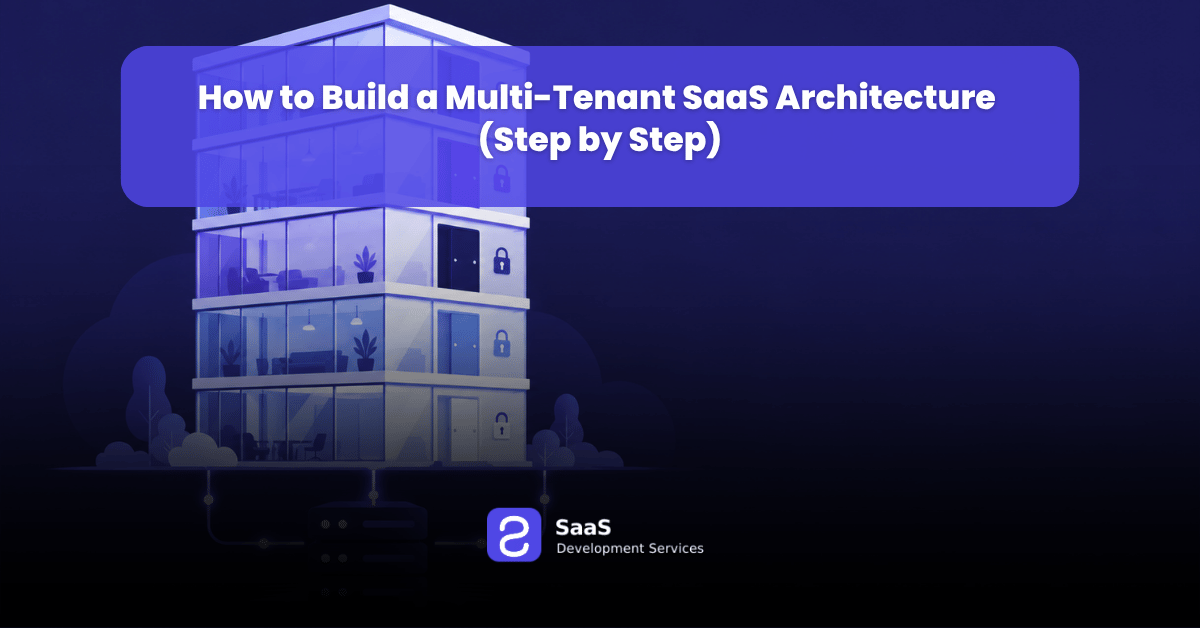
A multi-tenant SaaS architecture is a design where many customers, called tenants, use one application and one set of infrastructure while their data stays separate. A tenant is usually one company account with its own users, data, and settings. This choice shapes cost, security, and release speed, so it sits at the center of every saas application development services project.
You ship one version, fix bugs once, and pay for shared servers. In return, you must prove that tenants cannot see each other.
How Do You Build a Multi-Tenant SaaS Architecture Step by Step?
Follow these seven steps in order.
Step 1: What Should a Tenant Represent in Your Product?
A tenant is the account that owns data in your product. For most B2B tools, that is one company. Pick this level first, because every table, permission, and invoice will point back to it.
- A tenant owns its users, records, settings, and plan.
- A user belongs to a tenant. A user is not the tenant.
- Larger products may add workspaces under a tenant, but only one level carries the tenant ID.
Step 2: Which Tenant Isolation Model Should You Choose?
Your isolation model decides how much tenants share. The AWS SaaS Lens names three: silo, pool, and bridge. Silo gives each tenant its own resources. Pool shares them. Bridge mixes the two.
- Silo: a separate database or stack for each tenant. It gives the strongest separation and costs the most to run.
- Pool: shared tables with a tenant_id column. It costs the least and needs the strictest checks.
- Bridge: a shared database with one schema per tenant, or a pool for most tenants and silos for a few.
Most products start with a pool and give silos to large or regulated customers later. Buyers in finance and health often ask for dedicated setups, so enterprise saas development services plan for this tier early. Write down now which rules would move a tenant to a silo, such as data location laws or very high usage.
Step 3: How Do You Identify the Tenant on Every Request?
Every request needs a tenant identity that the server trusts. The usual method is a tenant claim inside a signed login token, read at the start of each request. Never trust a tenant ID that comes only from a form field or a URL.
Resolve the tenant once, in middleware, and pass it along:
- Read it from the signed token, the subdomain (such as acme.yourapp.com), or the API key.
- Store it in the request context.
- Send it to every service call, background job, and log line.
Step 4: How Do You Isolate Tenant Data in the Database?
In a pool model, add a tenant_id column to every table that holds tenant data, then let the database enforce it. PostgreSQL row level security attaches a policy to each table, so every query only sees the current tenant’s rows. A table with row security on and no policy returns nothing, which is a safe default. Do not rely on application code alone.
Watch for these traps, all described in the PostgreSQL documentation:
- Table owners skip row security unless you run FORCE ROW LEVEL SECURITY.
- Superusers and roles with BYPASSRLS always skip it, so the app must connect as a normal role.
- Set the tenant with SET LOCAL inside a transaction, so a pooled connection never carries one tenant’s ID into the next request.
- Index the columns your policies filter on, usually tenant_id first.
Step 5: How Do You Automate Tenant Onboarding?
Tenant onboarding is the set of steps that creates a new customer account without an engineer. A good flow finishes in minutes and can run twice without breaking anything. Teams with unusual signup rules or billing plans often choose custom saas development so the flow fits their own product.
A solid onboarding flow does these things:
- Creates the tenant record and its ID.
- Creates the first admin user and sends an invite.
- Applies plan limits and default settings.
- Builds extra resources, such as a database, for silo tenants using infrastructure as code.
- Starts usage tracking for that tenant.
Step 6: How Do You Stop One Tenant From Slowing Down Others?
The noisy neighbor problem happens when one tenant’s heavy use hurts another tenant’s speed. Microsoft’s Azure guidance says you cannot remove this risk fully in a shared system, but quotas and rate limits reduce it well.
- Rate limit API calls by tenant ID, with higher limits on higher plans.
- Give background jobs fair queues so one tenant cannot fill the line.
- Prefix every cache key with the tenant ID.
- Track CPU, storage, and request counts for each tenant from day one.
- Move very heavy tenants to dedicated resources.
Step 7: How Do You Test, Back Up, and Remove Tenants Safely?
Treat isolation tests, backups, and offboarding as core features. You must be able to restore, export, or delete one tenant without touching anyone else.
- Create two test tenants and try to read one tenant’s data from the other through every API route. Expect zero rows.
- Run tests as the real app role, never as an admin.
- Make sure backups can restore a single tenant.
- Add the tenant ID to logs and error reports.
- Delete tenant data on exit as your contracts and privacy laws require.
Which Mistakes Break a Multi-Tenant SaaS Architecture?
- Hiding other tenants’ data in the user interface instead of blocking it on the server.
- Sharing a cache, queue, search index, or file folder with no tenant prefix.
- Running the app as the database owner, which skips row security.
- Writing customer specific code instead of tenant settings.
- Using one backup that can only restore the whole database.
How Do You Move an Existing Single Tenant App to Multi-Tenant?
Add tenant ownership to every table first, then route every request by tenant. Add the tenant_id column, fill it for current customers, turn on row security, and move customers over in small groups. Old code often reads data with no tenant check, so many teams bring in saas modernization services to audit every query before the move.
Frequently Asked Questions
What is multi-tenant architecture in SaaS?
It is a design where many customers share one app and one infrastructure while their data stays separate. Each customer is a tenant. This lowers cost and keeps updates simple, because you release one version for everyone.
Which database model is best for a multi-tenant SaaS app?
A shared database with a tenant_id column and row security is the usual start, because it costs the least. Use a schema for each tenant or a separate database when compliance rules or large customers need stronger separation.
How do you keep tenant data safe in a shared database?
Enforce isolation in the database with row security, not only in app code. Connect as a normal role, set the tenant inside each transaction, and test with two tenants to confirm that cross tenant reads return nothing.
What is the noisy neighbor problem in SaaS?
It happens when one tenant uses so much capacity that others slow down. Fix it with rate limits and quotas by tenant, fair job queues, and usage tracking. Move heavy tenants to dedicated resources.
Can you switch from single tenant to multi-tenant later?
Yes, but it takes work. You must add tenant ownership to every table, review every query, and move customers in stages. Planning for tenants early is usually easier than a late rewrite.
When should a tenant get its own database?
Give a tenant its own database when it has strict compliance rules, data location needs, or usage so high that it harms others. Keep the rest in the shared pool to hold costs down.
Conclusion
A multi-tenant SaaS architecture works when you define the tenant, pick an isolation model, trust only a signed tenant identity, enforce data rules in the database, automate onboarding, and limit each tenant’s usage. The steps that protect you most are the ones teams skip, such as testing cross tenant reads, restoring a single tenant, and blocking owner bypass in PostgreSQL. Start with a shared pool, keep a path to silos for large or regulated customers, and review the design with a saas development company before you scale.
Need a second opinion on your design? Contact us here.